

The Gen 11 Dev Kit is built for builders — companies, students, and tinkerers who need to test a multi-sensory idea fast. Two DataFeel Dots, each outputting vibration, heat, cold, and light at once, with a full API to build your own application — or Composer software if you'd rather create content than code.
Need hardware today? Gen 10 Dev Kits are shipping now →
Every DataFeel Dot has always output vibration, heat, cold, and light together, synchronized through one actuator — that's true on Gen 11 the same as it's always been. What's new is the count: Gen 11 ships with two Dots instead of Gen 10's four, simply to bring the cost down. Capability per Dot hasn't changed.
The El Jefe controller is the connective core: power, data, and timing for both Dots, positioned wherever your prototype calls for it — one on each wrist, both on the same limb for a stronger layered signal, or handed to two different collaborators to test at once. Pair it with Composer and you can go from a concept to something you can actually feel the same day.
Everything that ships in the box.
Each one outputs vibration, heat, cold, and light together.
Wearable controller with onboard power and data connections.
Build your own application. Composer is also included for no-code content creation.
Setup guides and API docs to get building on day one.
Every Dev Kit ships with both. Use the API if you're building your own application. Use Composer if you'd rather create content than write code. Plenty of people use both.
Full API access to control vibration, heat, cold, and light in real time from your own code, reacting to any stimulus you choose.
Composer turns audio and video into haptic experiences without writing a line of code — included free with every kit.
Direct, programmatic control over the hardware. Build exactly what's in your head, in your own code.
Control vibration, heat, cold, and light independently, in real time, from your own code.
Built around Python. React to a sensor, a website, a live feed, or your own application's logic — whatever you're building toward.
Full documentation ships with every kit, so you can start building immediately.
Composer is the software layer that turns audio and video into something you feel — no coding involved. It ships free with every Dev Kit, Gen 10 or Gen 11.
Bring in any audio or video file and Composer generates synchronized vibration, heat, cold, and light to match it.
Drop in a link — no downloads or file prep. Composer reads the video and starts generating haptics from it directly.
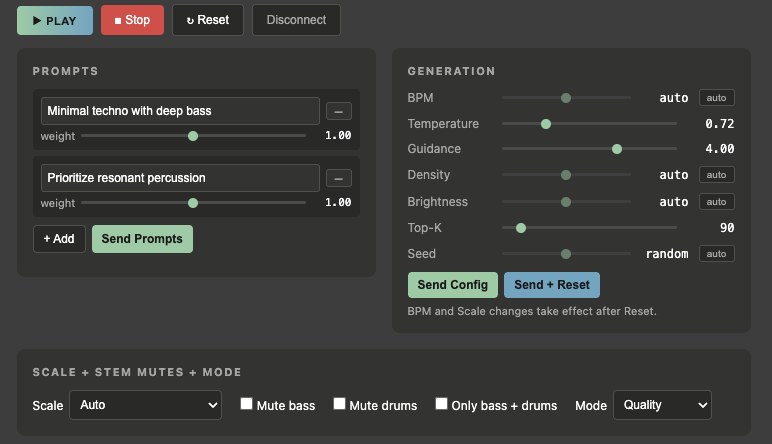
Describe what you want in plain language and Composer's gen-AI engine creates original audio or video with haptic layers already built in.
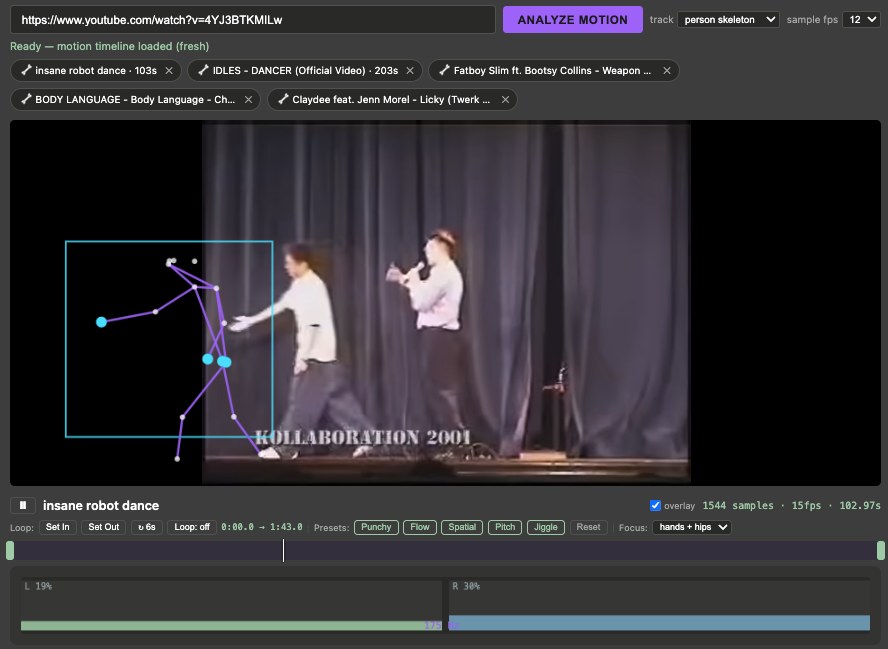
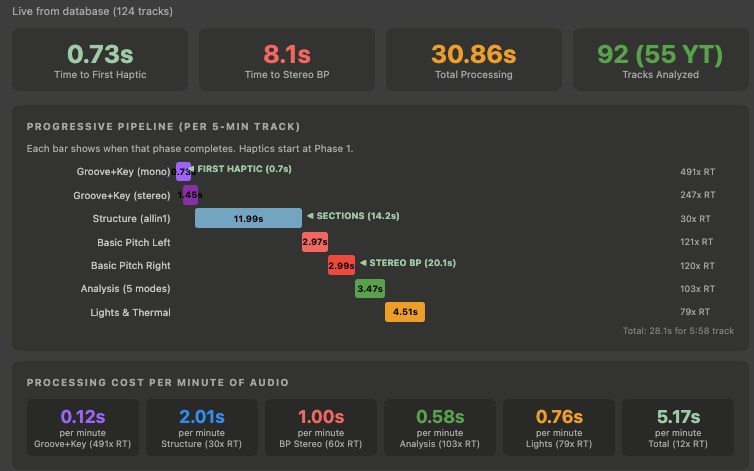
Composer watches for movement — either in the overall frame or by tracking a person's hands, hips, and feet — and converts what it sees into vibration on the Dots in real time. Music and video are analyzed for rhythm, structure, and beat, so haptics land in sync automatically instead of requiring manual timing.
Presets give you a tuned starting point, and every parameter — intensity, timing, which energy leads, how they blend — stays adjustable from there.
Buy a kit, try the content, tell us what works — and get something back for it.
Gen 10 Dev Kits are in stock and shipping today, with full Composer software access included — the same platform, available right now.